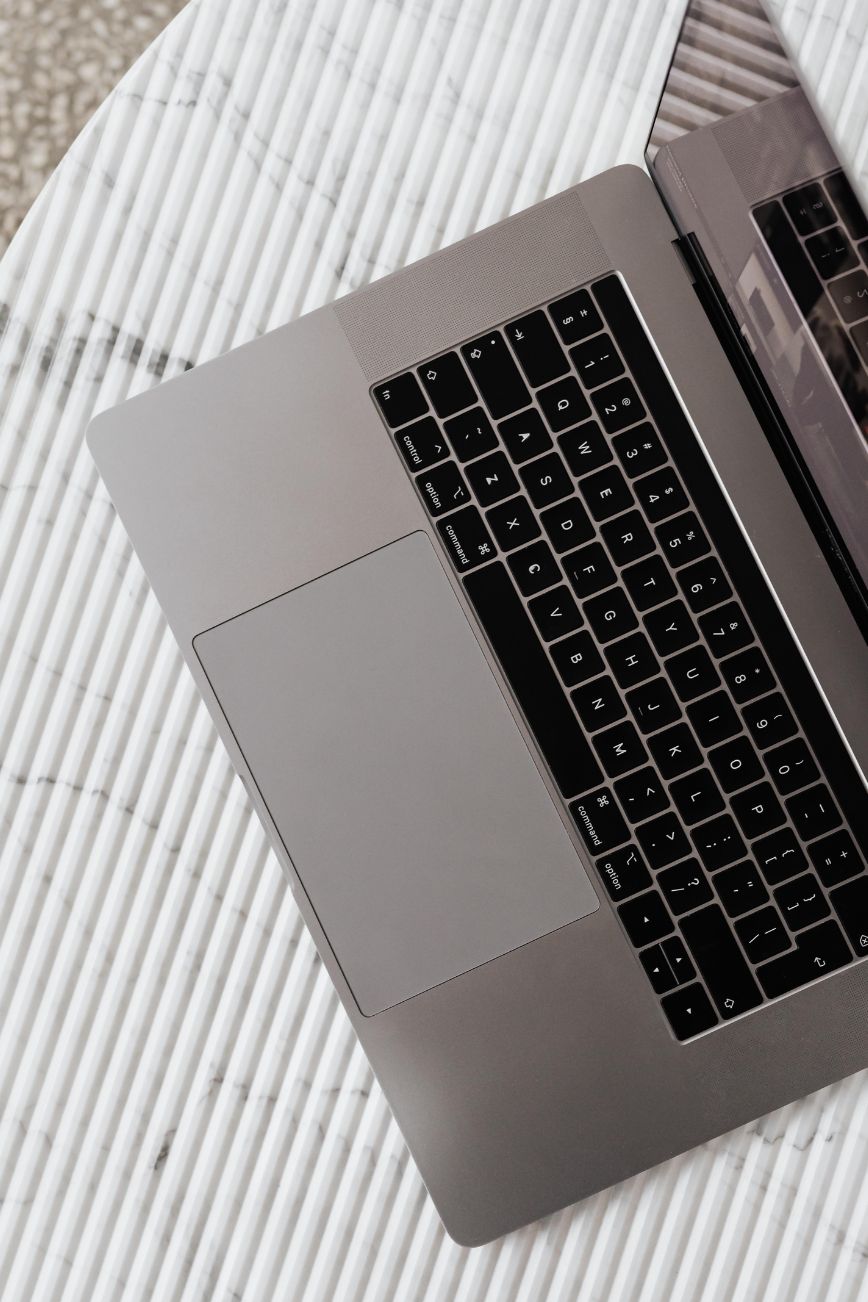
While we all know that buying second-hand tech can save you a lot of money, especially when replacing an item that you didn’t budget for in the first place, there is nothing worse than sitting down to work to find that your computer is displaying the blue screen of death. Computers, printers, tablets and other tech items aren’t cheap and sometimes all you need is something that is going to work without spending a small fortune.
While I can understand that there is something very satisfying about finding a good deal, there is a big difference between getting a bargain and bringing home somebody else’s headache. You might think that laptop that is advertised as being in excellent condition is going to be great, but then you find out that the battery lasts for about eleven minutes. Not so great, is it?
Before you part with your hard-earned cash, there are a few things that you should check to ensure that you are getting a good deal with your second-hand purchase.
Know What You Are Looking for
It’s easy to get carried away when you see a great price, especially if the seller claims that the item is barely used or was expensive when new. However, an expensive computer that was released ten years ago isn’t going to be any better than a newer model that is reasonably priced.
Think about what you are going to use the item for first. If you are going to use it for browsing the internet, paying bills and checking your emails, then you probably don’t need a computer that is suitable for professional video editing.
However, if you are going to use it for working from home, editing photographs and running multiple programs at the same time, then you will want something that can do all of these things without slowing down too much.
Find out the model number and then do some research into the specifications. Look for things like the processor, memory, storage and whether the item is going to support current software and security updates. Doing a bit of research before you buy will ensure that you don’t end up buying something that is great but can’t do what you need it to do.
Have a Good Look at the Condition
There are a lot of problems that can be hidden in pictures. A computer might look great on the online listing, but that doesn’t mean that the charging port isn’t loose or that the screen doesn’t flicker when you move it.
If possible, try to see the item in person. Look out for any cracks, dents, missing screws, damaged cables and signs of moisture. Have a good look at the keyboard, buttons, ports and other things that you are going to use regularly.
If you are buying a laptop, then you will want to have a close look at the hinges and the charging connection. Make sure that the screen opens and closes smoothly and that the charger can be plugged in securely.
If you are buying a printer, then you will want to see an actual test page. Just because it powers on doesn’t mean that it is going to print correctly. Dried ink, clogged printheads and worn rollers can make a cheap printer a very expensive project.
Don’t be afraid to take a few minutes to have a good look at the item. After all, you are going to be living with it once the seller has got your money.
Make Sure Everything is Working
One of the biggest mistakes that you can make is to assume that because the item powers on, everything is going to be fine. Ask the seller to show you it working. If it is a computer, then make sure that it powers on normally, connects to the Wi-Fi, makes sound and recognizes connected devices. Open some programs and see how fast they open.
If you aren’t too tech-savvy and aren’t confident in checking a computer yourself, then you could consider arranging in-home computer repair services once you have bought the item to help you find out any issues and get everything set up correctly.
However, if possible, it is always better to get a knowledgeable technician to check out an expensive second-hand computer before you buy it. If you are buying other tech items, then you will want to test out the features that you are going to use.
For example, if you are buying a second-hand television, then you will want to make sure that the picture is clear and that there is sound. If you are buying a tablet, then you will want to make sure that it is responsive to touch. If you are buying a printer, then you will want to make sure that it is printing without any streaks and that it isn’t jamming every third sheet. If the seller isn’t letting you test the item, then I would say that is a pretty good reason to look elsewhere.
Check the Age and Software Support
Technology has a nasty habit of becoming outdated long before it actually stops working. You might have an older computer that is working perfectly, but it might no longer be receiving important security updates. Some devices also don’t play nicely with newer applications or operating systems, even if the device itself is in good condition.
Find out the manufacturer’s support information and see if the model is still receiving updates. Make sure that you can get replacement chargers, batteries and other things that you need.
This is particularly important for smart-home devices, security cameras and internet connected items. You don’t want to find out after you have installed it that the manufacturer has discontinued the app that you need to use with your bargain purchase.
Consider the Cost of Repairs
Sometimes a second-hand item might need a bit of work, but that doesn’t necessarily mean that you shouldn’t buy it. You might need to replace the battery or give it a good clean. This might be all you need to do to get a few more years of use out of it. The key is to know what repairs are going to cost you. This is even more important with specialized equipment.
For example, if you are buying a used large-format printer for a home business, then you will want to look into the availability and cost of plotter repairs before you buy. Replacement parts and professional servicing can be a lot more expensive than you might think, especially for older commercial machines.
The same applies to regular household tech items. If you are buying a printer that is $40, then that isn’t much of a bargain if it is going to cost you $150 in replacement parts.
Compare the total cost that you are expecting to pay, including repairs and accessories, with the cost of a new or professionally refurbished item before you buy.
Protect Your Personal Information
If you are buying a used computer or tablet, then you will want to make sure that the previous owner’s accounts have been removed and that the item isn’t locked to someone else’s account or organization.
Make sure that you get a proper factory reset or operating system reinstall and make sure that you can set it up using your own account. Don’t buy something that is activation locked or that requires credentials that the seller can’t give you.
Once you have the item, make sure that you install any available security updates before you start putting in your personal information or using it for things like banking and shopping.
If you are selling your own tech items, then make sure that you back up your files and securely erase your information before you hand it over. No one wants your family pictures, saved passwords or tax documents turning up on their new-to-them computer.
Buy from Someone You Trust
The place that you buy your second-hand tech can be almost as important as the item that you are buying. Refurbishers that are established might have testing, warranties and return policies, which can help give you some peace of mind. Individual sellers can sometimes have great deals, but you are generally going to have less protection if things go wrong.
Make sure that you read the listing carefully, ask any questions that you have and keep records of the transaction. If you are meeting someone locally, then make sure that you are doing so in a safe public place where you can test the item.
Be wary of sellers that are putting pressure on you to make a decision quickly or that aren’t answering any reasonable questions that you have. A good deal should still look like a good deal even after you have had a chance to think about it.
A Good Deal Should Save You Money
There is absolutely nothing wrong with buying used tech items. In fact, buying a reliable second-hand item can save you money and stop perfectly good tech items from ending up in landfills. The key is to make sure that you are buying something that is going to be useful for your household and not something that is going to be another problem that you have to solve.
Take your time, do a bit of research and don’t be tempted to ignore obvious concerns just because the price is tempting. There is always going to be another laptop, printer or tablet for sale.
Personally, I would rather pay a bit more for something that is reliable than save fifty dollars and then spend the next six months arguing with a computer that won’t cooperate.





Leave a Reply